
>
2026-01-21 OmegaPublisher for Windows 10 and 11 released.
2026-01-21 OmegaPublisher for Apple MacOS released.
2026-03-29 OmegaPublisher for Linux released.
x64 MSI Installer
ARM64 PKG Installer
x64 AppImage Standalone
Instructions to run Omegadoc Publisher on Linux:
1 – Download the standalone executable OmegadocPublisher-Linux-x86_64-2026-03-29.
2 – Make OmegadocPublisher-Linux-x86_64-2026-03-29 executable.
In terminal: ~/Downloads$ chmod 755 OmegadocPublisher-Linux-x86_64-2026-03-29
3 – Install FUSE if not already installed. Examples:
Ubuntu, in terminal: ~/Downloads$ sudo apt install libfuse2
Fedora, in terminal: ~Downloads$ sudo dnf install fuse fuse-libs
4 – Run Publisher by double clicking on it your file manager or directly from a terminal.
In terminal: ~/Downloads$ ./OmegadocPublisher-Linux-x86_64-2026-03-29
Note: If you are having difficulty downloading “*.omg” or “*.omgspec” files in your browser. Try right clicking on the “Download Now!” button.
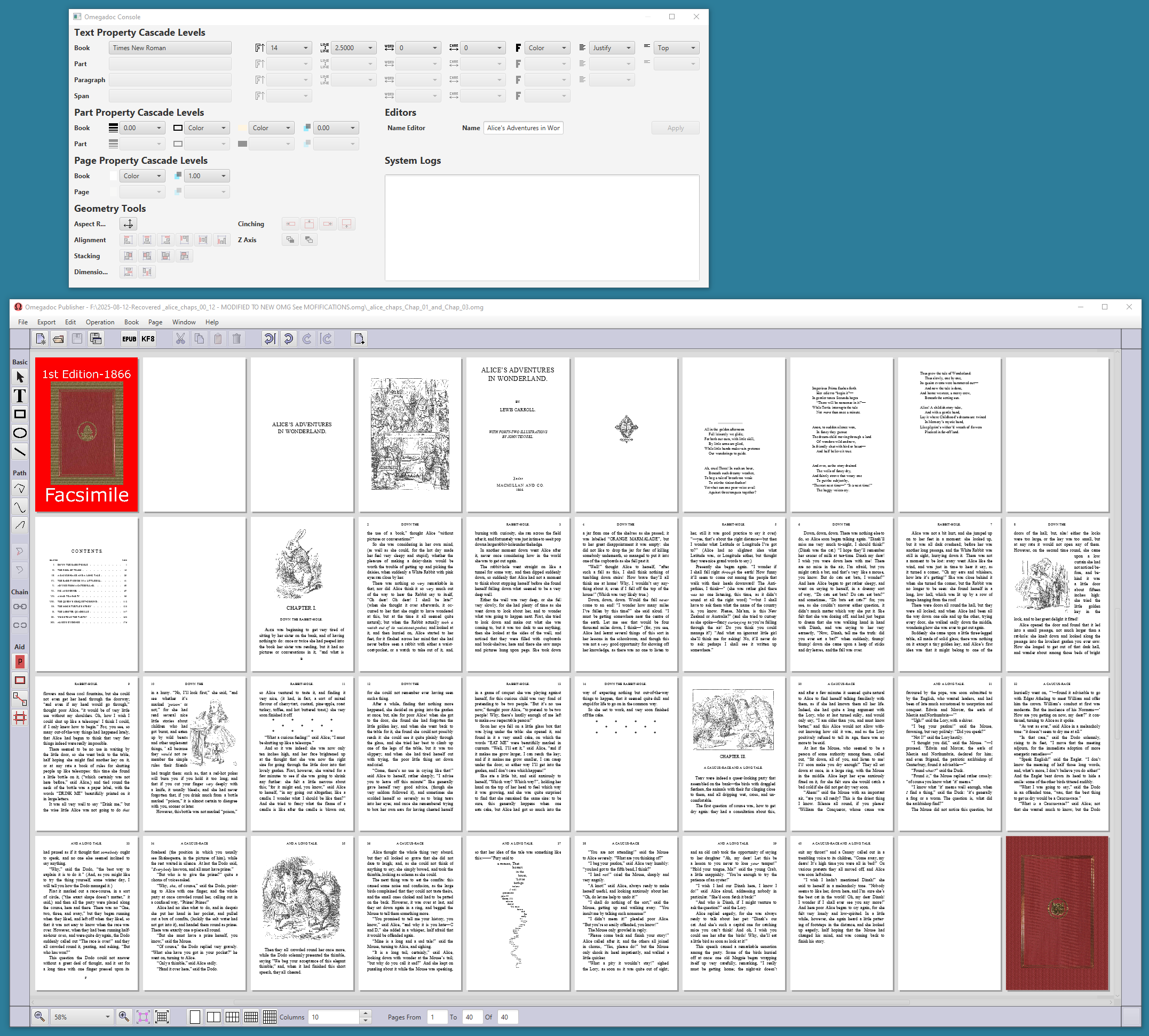
Alice’s Adventures in Wonderland (Chapter 1, 2 and 3) (First Edition)
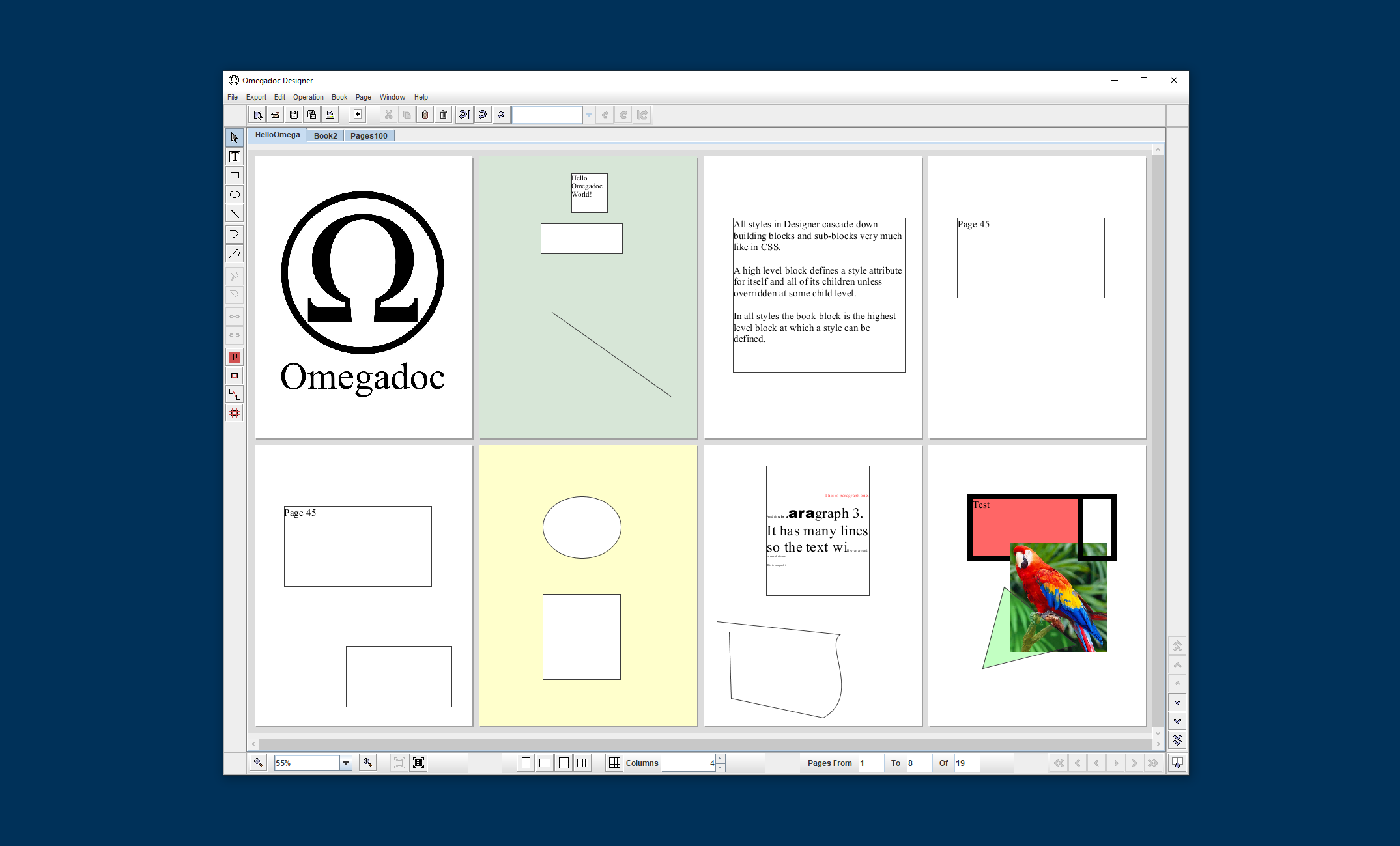
Sample OMG file with various parts
Nursery Alice (Chapter 1, 2, 3 and 4) (First Edition)
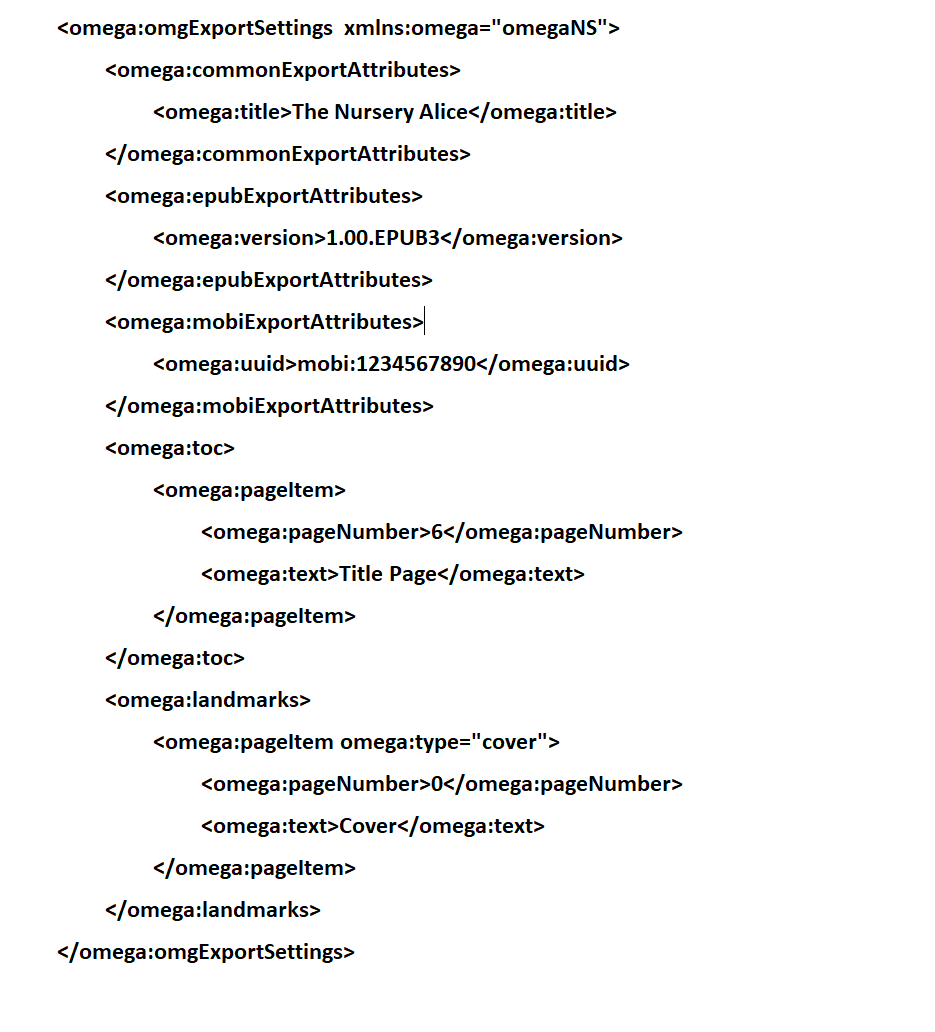
This XML file is used by Publisher to customize EPUB3 and KF8 exports. The file name should be the same as the name of OMG file with “.omgspec” extension AND should be in the directory as of the OMG file.